Your cart is empty
Browse our products and add items to get started.
Everything you need to know to navigate our platform, design stunning prints, and manage your orders effectively.
Golden Prints offers three distinct account tiers tailored to your needs. Whether you're a casual buyer, a growing agency, or an enterprise, we've got you covered.

Our default account type. Simply check out as a guest or create an account during checkout to track your order history and save your designs.
Register NowUnlock wholesale discounts and powerful corporate workflows (like manager approvals and Net-30 terms). Requires an application.
View Account ProgramsFinding exactly what you need is incredibly easy. Our catalog is organized by product categories and supports robust global searching.

Click the magnifying glass icon in the header or use the keyboard shortcut to instantly search our entire catalog for specific products, materials, or finishes.
On the products page, use the sidebar to filter by category (e.g., Business Cards, Flyers, Wide Format) to narrow down your options.
On any product detail page, select your options (size, paper stock, finishing) and the price will update instantly based on quantity.
Don't have print-ready artwork? No problem. Use our browser-based Studio Designer to create professional layouts from scratch.

Upload your own images or logos and drag them directly onto the canvas. Resize and position them exactly where you want.
Add custom text layers, choose from premium fonts, and adjust alignment and colors to perfectly match your brand.
The canvas automatically displays bleed lines and safe margins to ensure your design won't be cut off during production.
Once your masterpiece is finished, click "Approve & Add to Cart" to generate print-ready PDFs instantly.
Choosing the right material is crucial for the perfect print. We offer a wide variety of paper stocks, synthetics, and premium finishes to make your project stand out.

From standard 100gsm art paper for flyers to ultra-thick 310gsm art card for premium business cards, our materials are sourced for maximum vibrance and durability. We also offer specialty materials like gold foil, spot UV, and waterproof synthetics for labels and outdoor banners.
Already have your artwork? Upload your print-ready files (PDF, AI, PSD) and approve your digital proofs in seconds.

Upload Your Files: On the product page or in your cart, upload your design files. We support high-res PDFs and standard image formats.
Automated Pre-flight: Our system automatically checks your files for resolution, bleed, and color space.
Approve Digital Proof: Review the 3D or flat digital proof generated by our system. Once you hit approve, your order moves straight to production!
Our flexible checkout system supports standard credit card payments, as well as complex corporate approval workflows and net terms.

Review your cart, apply any promo codes, and securely pay using Stripe. We accept all major credit cards and digital wallets.
If you are a Corporate Employee, your checkout button will say "Submit for Approval". The order is then routed to your department manager for sign-off before production begins.
We know you need your prints fast. Learn about our production turnaround times and our integrated delivery partners.

Standard products typically require 2-3 business days for production after artwork approval. Specialty finishes (like foil or spot UV) may add an additional 1-2 days to the turnaround time.
Once dispatched, standard shipping takes 2-4 business days. We also offer express overnight shipping for urgent orders and local pickup for customers in the Kuala Lumpur area.
We stand behind our printing quality. If something isn't right, we are here to make it perfect.

Due to the customized nature of printed products, we cannot accept returns for user errors (such as typos or low-resolution images provided by the customer). However, if there is a manufacturing defect or the print quality does not meet our standards, we will reprint the order entirely at our cost or issue a full refund to your store wallet.
Encountering a bug or struggling with a file? Here are quick fixes for our most common roadblocks.

If your PDF or image won't upload, ensure the file is under 50MB. If it's still failing, check that the PDF isn't password protected and that images are in JPG or PNG format.
The Studio Designer is powerful but requires a modern browser. If it is lagging, try using the latest version of Chrome or Edge, and close other heavy browser tabs.
Never wonder where your order is. Our real-time dashboard gives you full visibility into the production floor and shipping.
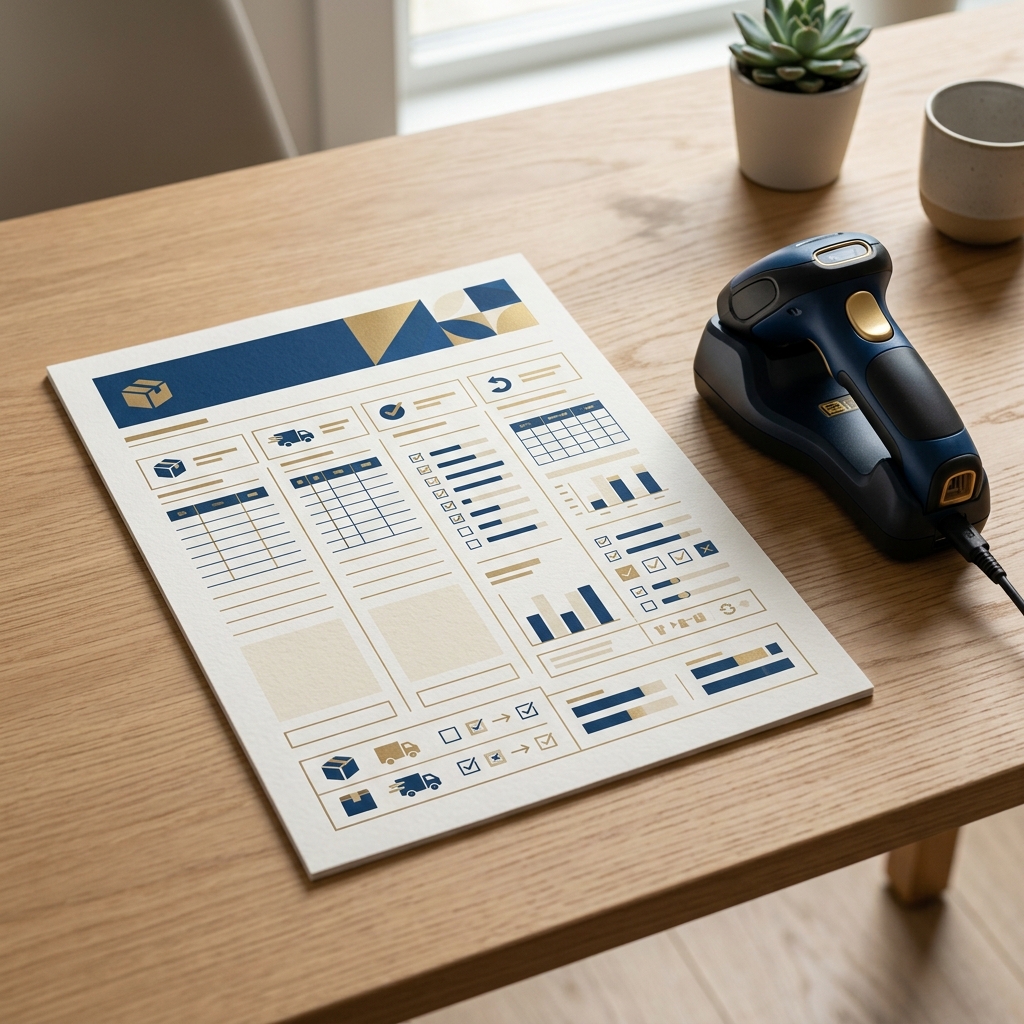
Track when your order hits the press, goes through finishing (like foil or folding), and is boxed up.
Once shipped, view live tracking updates directly in your dashboard via our carrier integrations.
Loved your previous prints? Access your order history and hit "Reorder" to add the exact same items back to your cart.
Keep your account secure and speed up checkout by saving multiple delivery addresses to your address book.

Navigate to your Dashboard and click "Edit Profile" to update your name, email, or change your password. Keeping your contact info up to date ensures you receive important order notifications.
You can save both billing and shipping addresses. Having default addresses saved means you can breeze through the checkout process with a single click.
Not ready to order just yet? Save your favorite products and store your Studio Designer drafts in the cloud.

Click the heart icon on any product card or detail page to add it to your wishlist. You can view all your saved items by clicking the heart icon in the main navigation bar.
If you're using the Studio Designer but need to step away, click "Save Draft". You can access your works-in-progress anytime from your account dashboard under "My Designs".
Exclusive to B2B Corporate accounts. Manage your entire organization, set budgets, and approve employee orders from a centralized hub.

As an Organization Admin, you can invite staff via email. They will automatically inherit your corporate pricing and payment terms.
Organize your team into departments (e.g., Marketing, HR) and assign monthly or quarterly print budgets to prevent overspending.
When an employee submits an order, it appears in your "Pending Approvals" tab. You can review the artwork and cost before clicking Approve to send it to production.
Can't find what you need in the catalog? Learn how to request a custom quote for bulk orders or specialized printing materials.

Head over to the Get a Quote page. You'll be asked to provide details about the product you want to print, including quantity, dimensions, and any specific materials. Once submitted, our team will review the request and respond with pricing and production timelines directly to your email and dashboard within 24 hours.
Find out how to apply discount codes and use your Golden Prints digital wallet for seamless payments.

During the final checkout step, look for the "Discount Code" field below your order summary. Enter your code and click Apply. The discount will instantly reflect on your total balance before payment.
Your Store Wallet can hold credits from refunds, corporate prepayments, or special rewards. If you have wallet credit available, it will automatically appear as a payment method during checkout!
A guide for staff members to process incoming orders, manage impositions, and update production statuses.

Navigate to the Admin Dashboard and select "Orders". Here you will see a kanban-style board. As soon as payment is verified and artwork is approved, the order moves to "In Production". Staff must manually move orders to "Quality Check" and "Shipped" as they pass through the factory floor.
Configure complex product pricing structures, tiered discounts, and material options.

Golden Prints uses a multi-dimensional matrix for pricing. Under "Products", you can define base prices for Size × Quantity.
Approve B2B applications, manage user roles, and handle customer support tickets.
When a standard user applies for a Reseller account, their application lands in the "Approvals" tab. Verify their SSM documentation before clicking "Approve". Their account will immediately gain access to wholesale pricing.
Update the storefront's appearance without writing any code.
Under the "Storefront" tab, you can upload new promotional banners for the Hero Carousel, reorganize product categories, and toggle featured products on and off depending on current marketing campaigns.
Get print tips, special offers, and new product updates.